Data maps study in Unity using Microsplat shader by Jason Booth
Another small study on the data maps, but this time in Unity.
For this I used a terrain shader created by a game dev industry veteran, Jason Booth - Microsplat ( https://assetstore.unity.com/packages/tools/terrain/microsplat-96478 ). The core is free, but I used couple of the $$ modules that contain features like triplanar, distance based scaling, GEO tinting, Stochastic sampling (super feature that 'kills' texture tilling).
For this terrain i wanted to find out, how to use data maps and use them with the usage of this shader. In my UE material i used RGB approach where I packed 3 data maps into single RGB texture and then inside the material i pulled each channel and blended with the terrain color.
In case of Microsplat, there is no workflow like this, but there is another approach. I simply merged all 3 data maps together in GIMP and used the Global Tint feature from Microsplat global coloring module. I used the 'Multiply x2' mode.
I set overall strength of the texture to 1 (max) and then adjusted the per-texture property to get the best result. In case of this island i wanted to have a nice protrusion highlights on the rocks and touch of velocity and flow.
Overall the result is very nice, I am happy.
Terrain created with World Creator standalone PRO and Quadspinner's Gaea PRO. Textures from Game Textures.
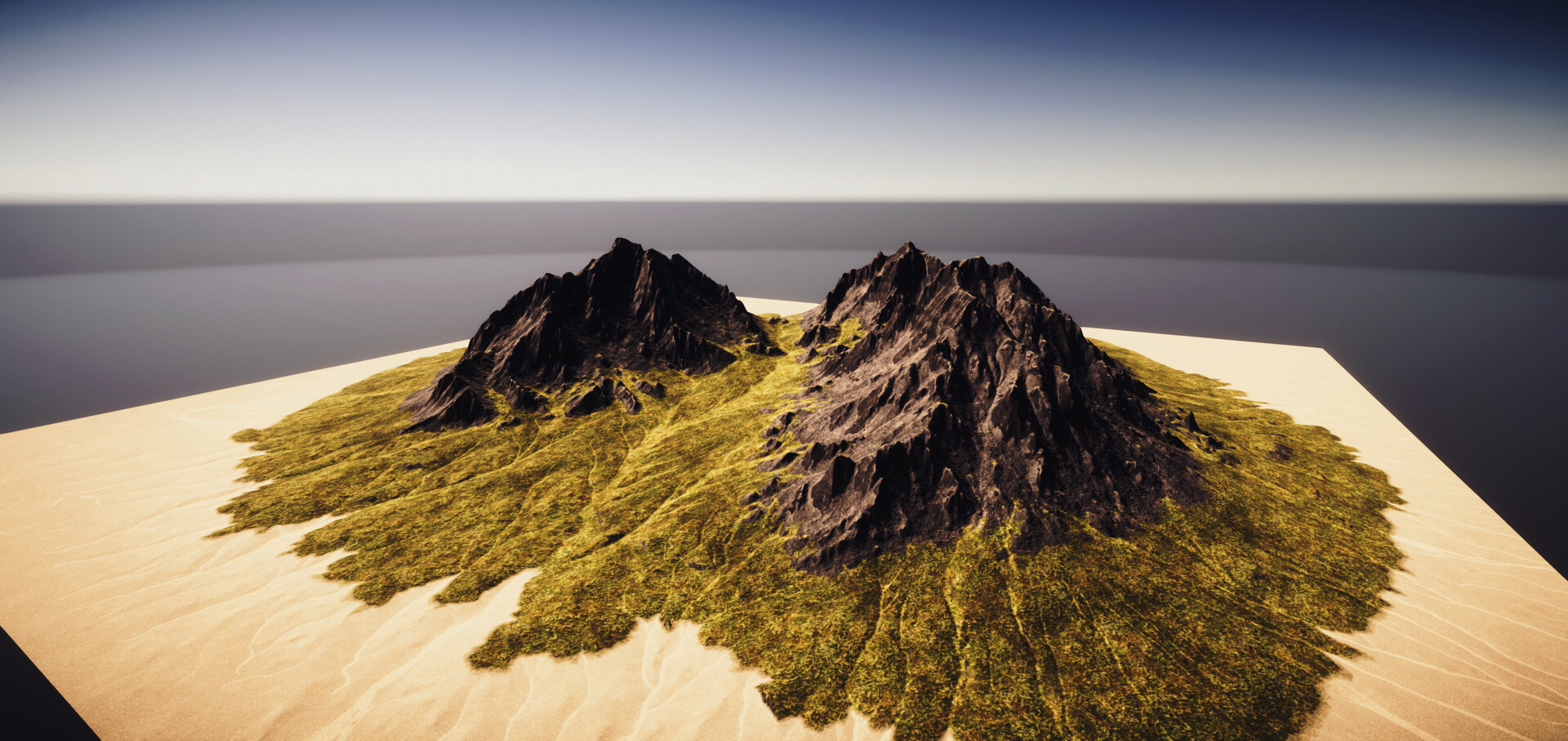
Unity HDRP - Microsplat
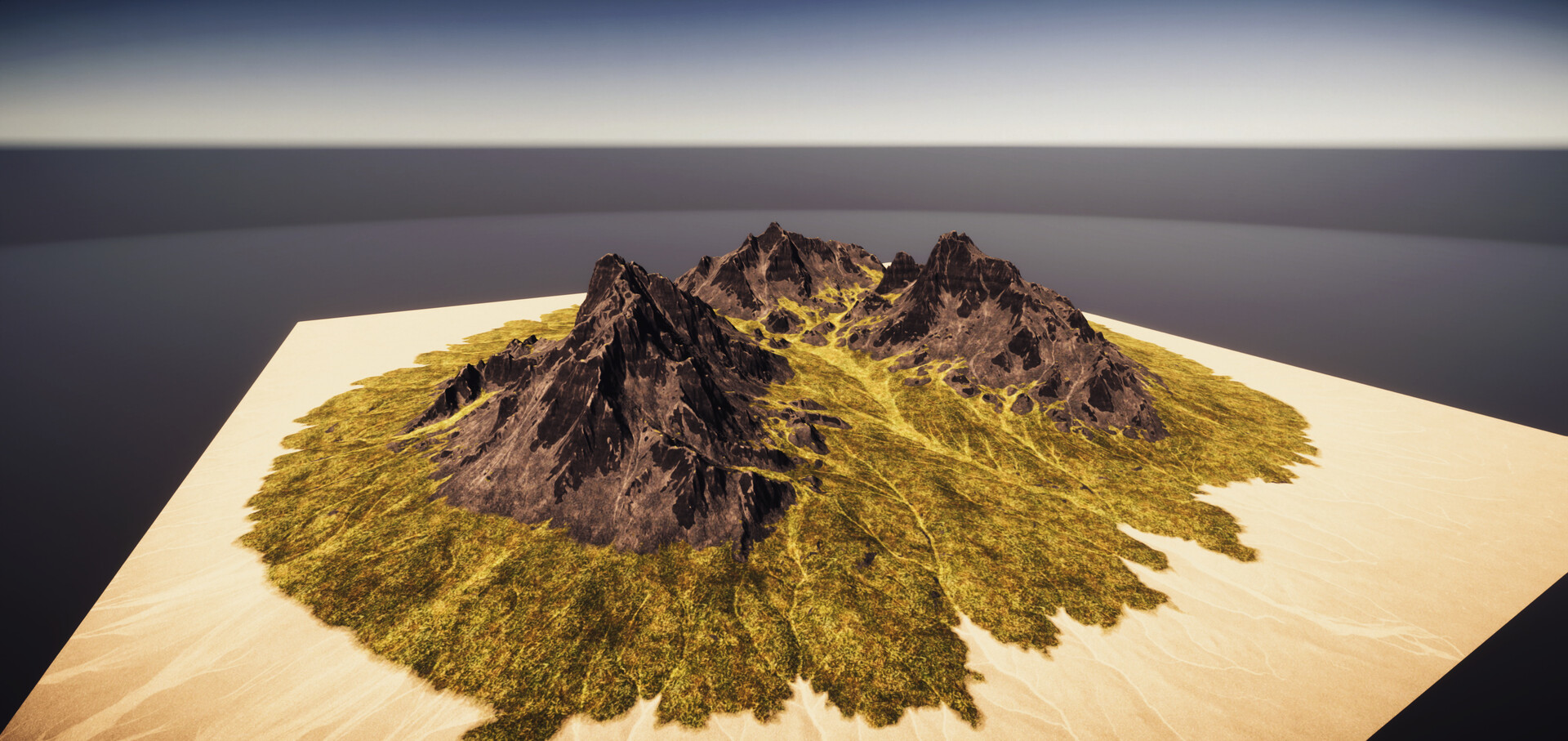
Unity HDRP - Microsplat

Unity HDRP - Microsplat

Unity HDRP - Microsplat
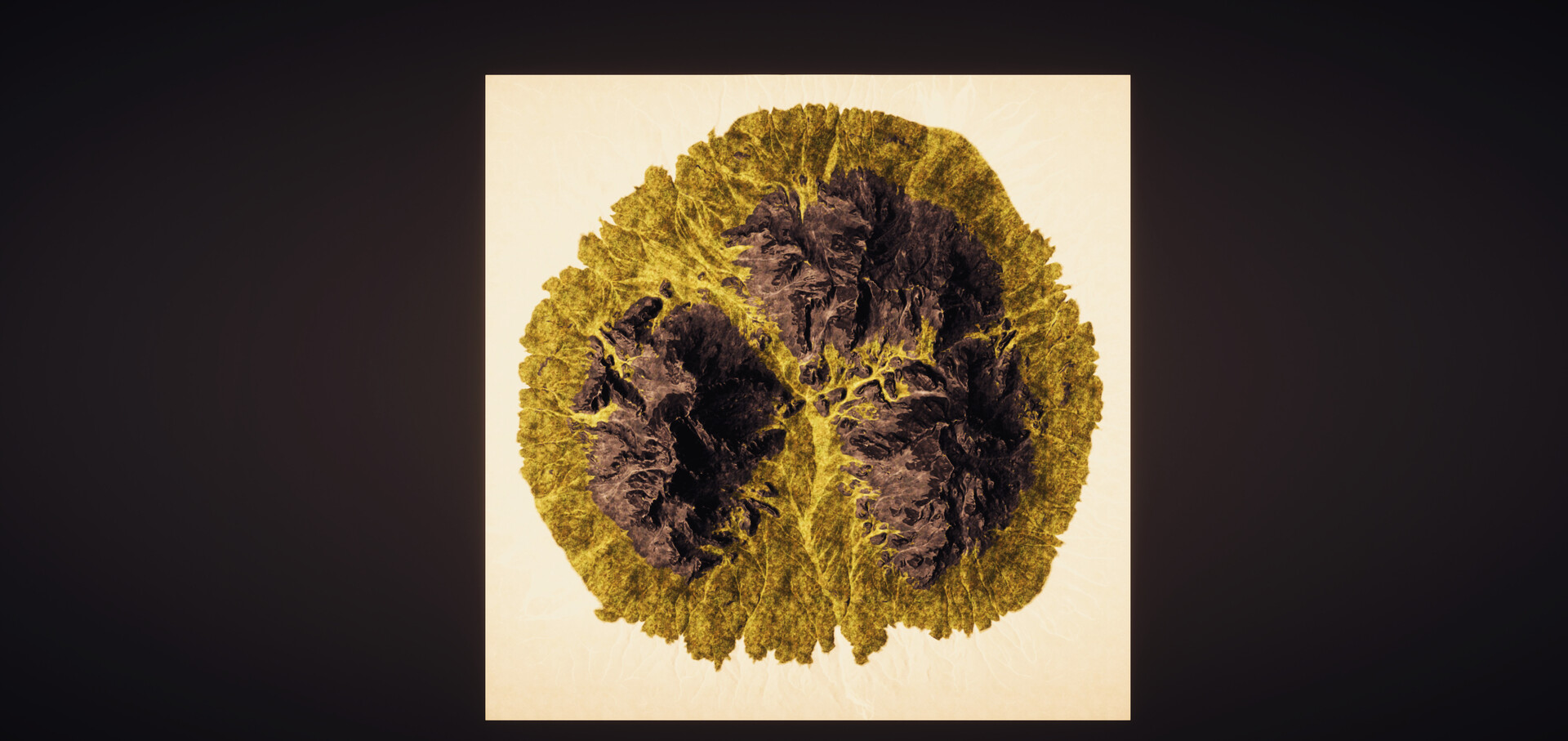
Unity HDRP - Microsplat
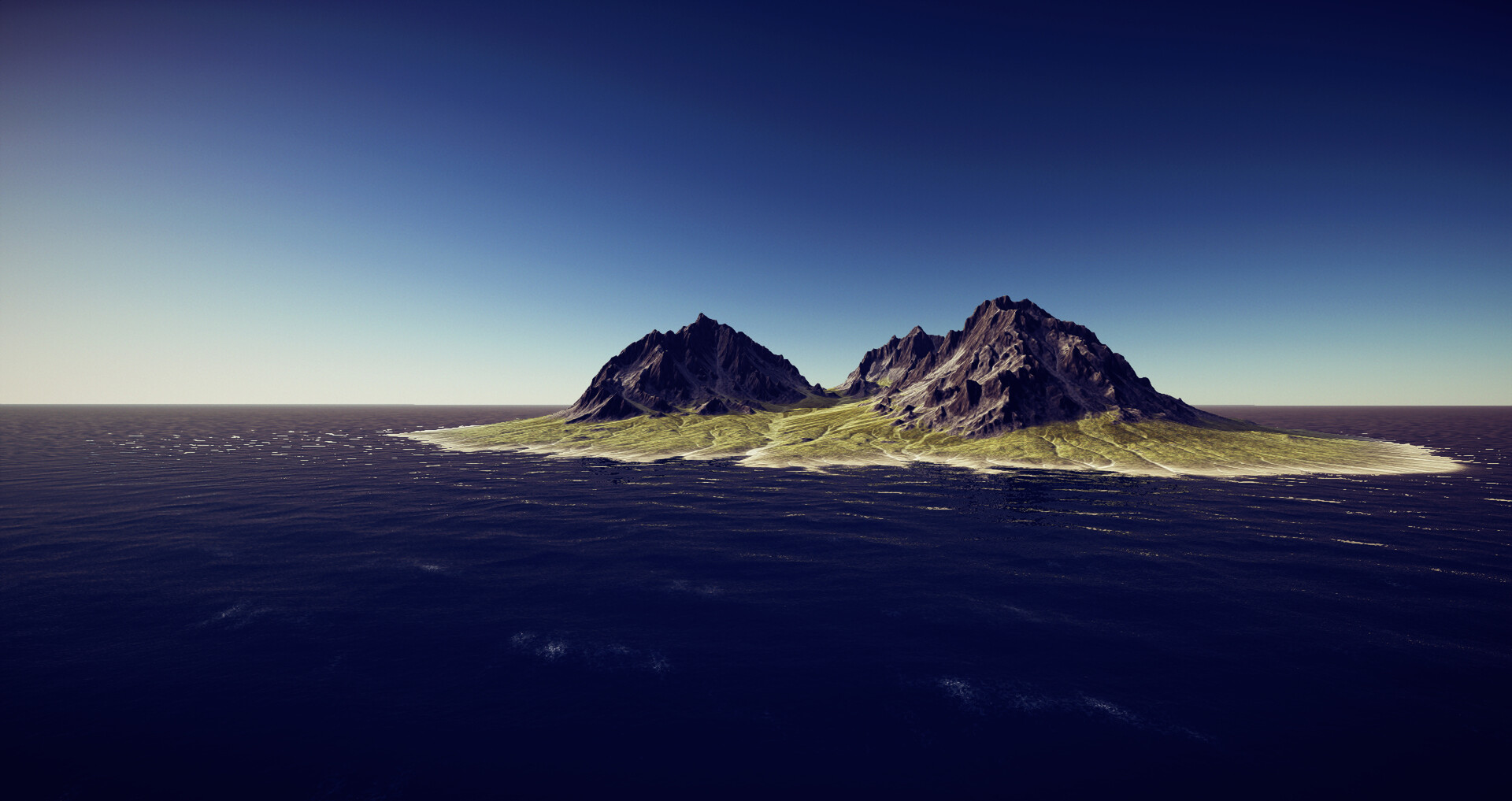
World Creator viewport

World Creator viewport

World Creator viewport
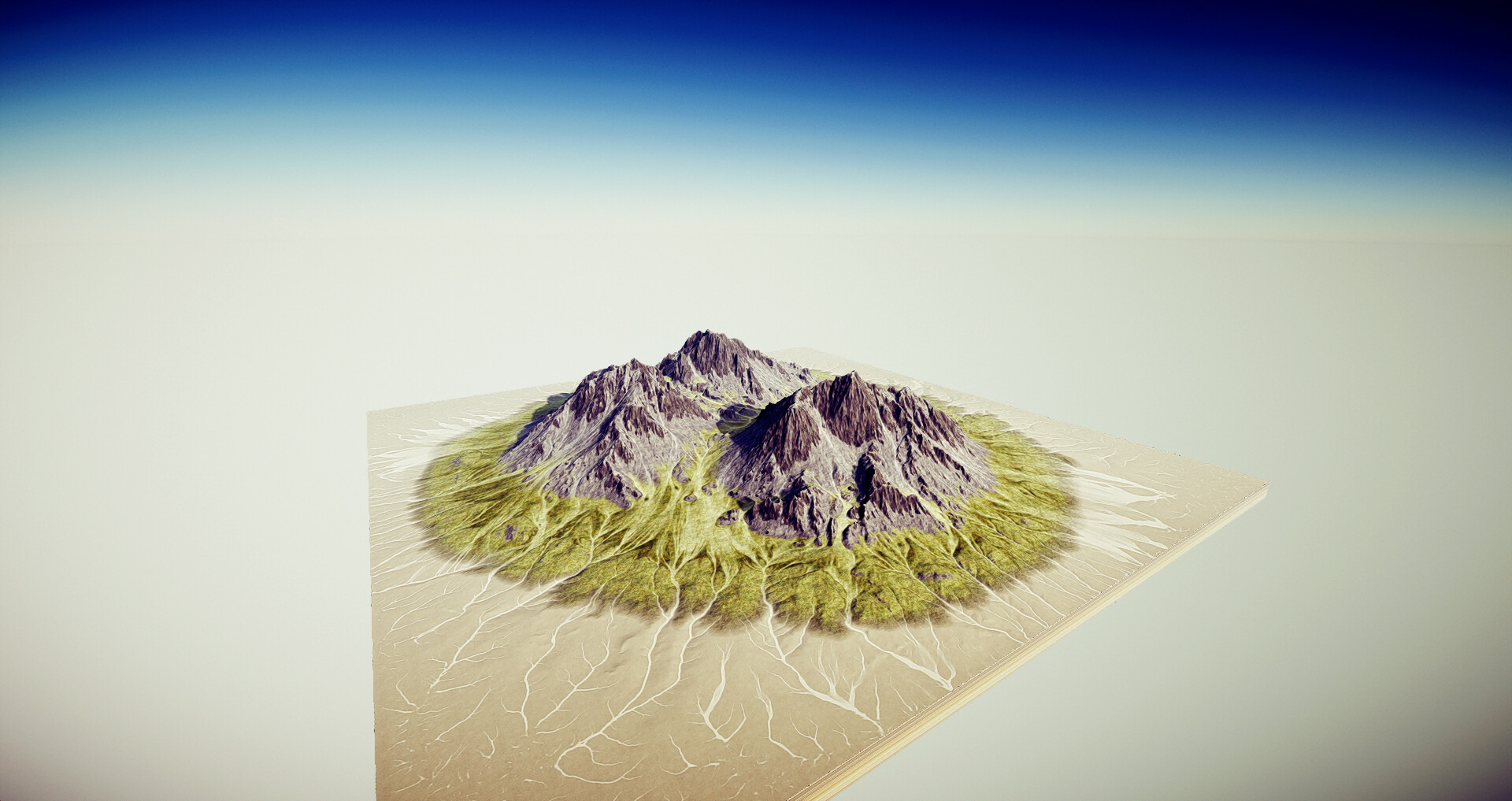
World Creator viewport

World Creator viewport